
Configuration Toolkit
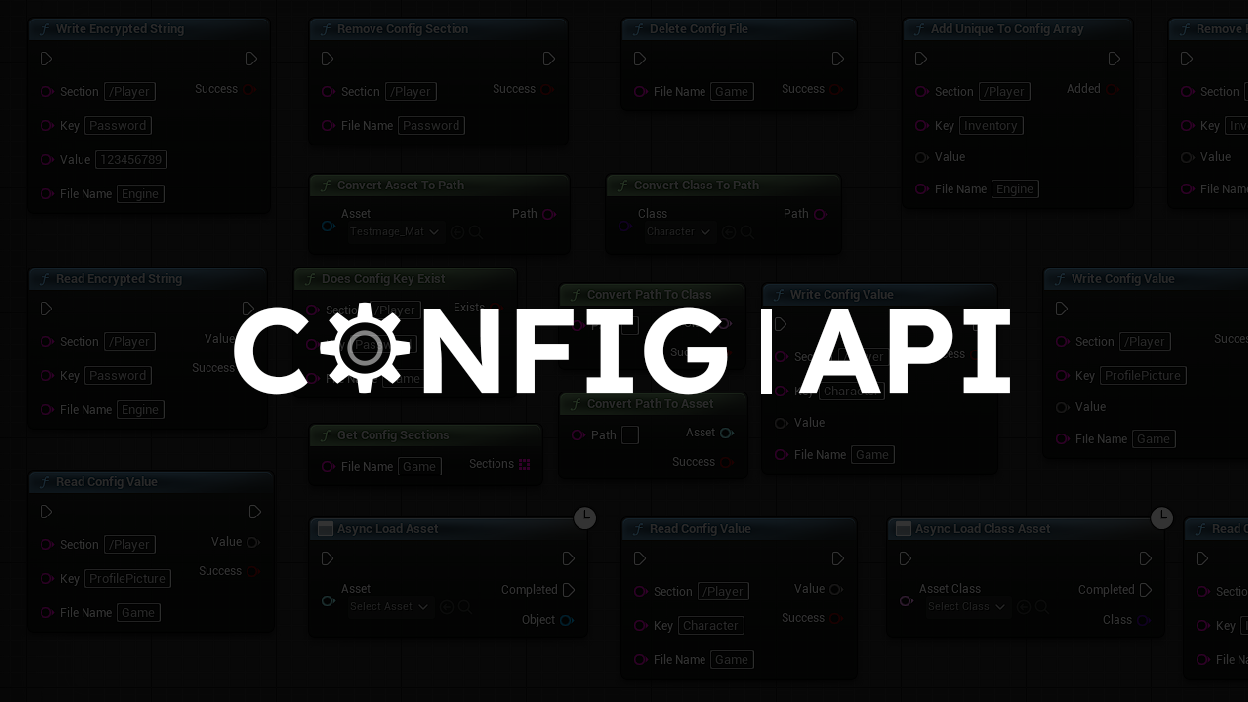
Configuration Toolkit helps Unreal Engine projects read, write, check, and manage .ini config files without hand-building config paths or custom serialization. It supports wildcard Blueprint values, native config arrays, soft object and class paths, encrypted strings, section and key cleanup, file existence checks, and controlled flush workflows.
Supported Platforms
Documentation Files
Installation
Install the plugin, enable it in Unreal Engine, configure core settings, and allow generated config sections to save.
Settings
Review every project setting, recommended defaults, soft reference behavior, automatic flush, and AES key requirements.
Blueprint Usage
Use Blueprint nodes to write values, read values, manage arrays, store soft references, encrypt strings, and clean config data.
C++ Usage
Call the safe helper APIs directly from C++ and understand when to use Unreal's native GConfig system.
Troubleshooting
Debug common failures with LogConfigToolkit, return bools, generated config paths, hard reference reads, arrays, and encrypted strings.
Last updated on